

Guide
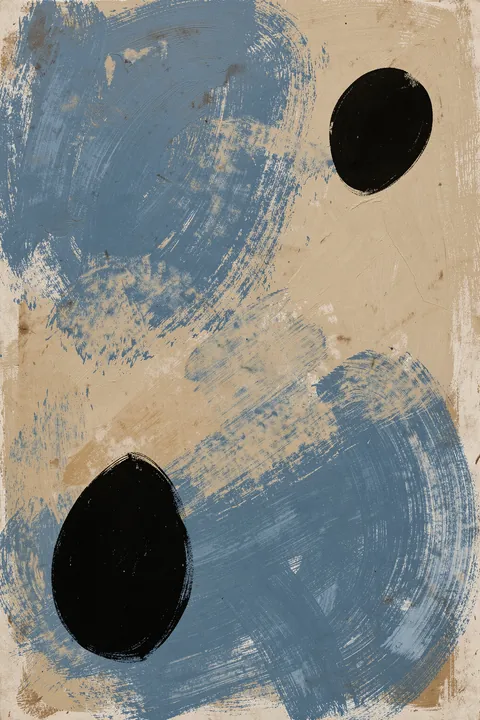
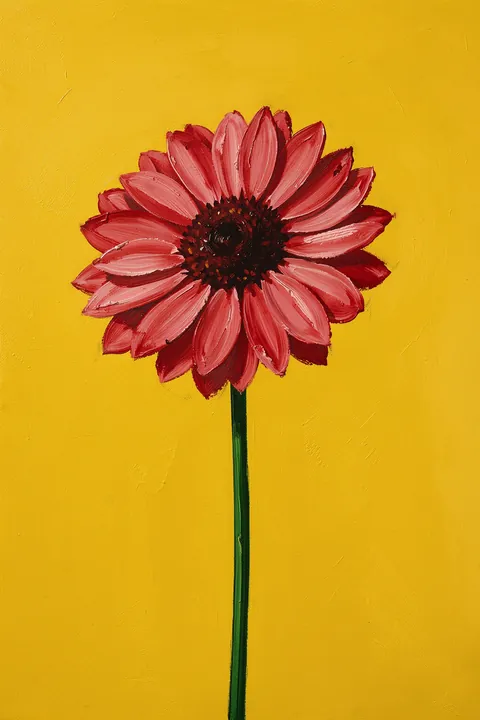
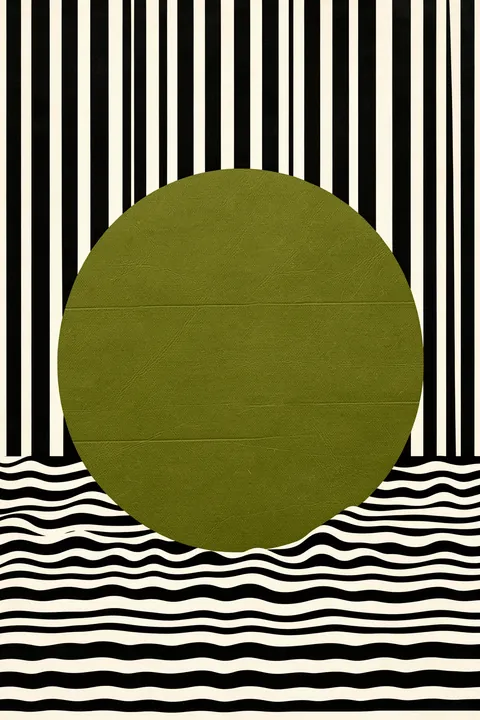
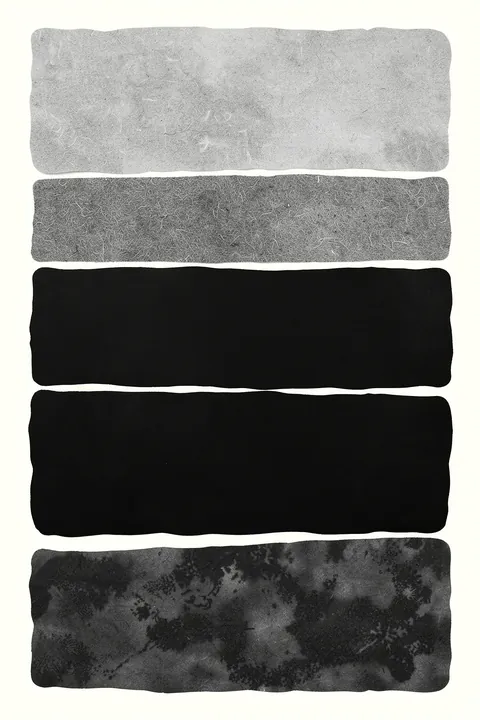
A gallery wall looks polished when it has a rule: shared color, matching frames, or a clear axis.
Digital delivery
JPEG + PDF, 300 ppi. A Google Drive download link is emailed within 2 hours after payment.
Catalog


Start with the anchor print and build around it. Keep spacing consistent and make the outer shape of the composition simple. This page is built around a real buying scenario: people are not just searching for a pretty image, they are trying to finish a specific wall. That makes size, rhythm, color temperature, and the relationship to furniture just as important as the artwork itself.
Start with placement: living rooms, stair walls, corridors, and home offices. Then choose one anchor format and repeat its height or color logic if you are building a pair or a small series. The palette direction here is one shared color or one frame type. Digital posters are useful because you buy print-ready JPEG + PDF files instead of waiting for a shipped physical print.
This route is especially useful for buyers who need 3-7 files for one wall. After payment, the download link is sent by email, and files are prepared for 300 ppi printing. For most rooms, start with the 3x4, 4x5, or 5x7 ratios, then choose the closest local frame or print size.
A safe start is five pieces: one large, two medium, and two small. Lay out the plan on the floor or in an app before printing.
You receive digital files for printing. A Google Drive download link is sent to your email within 2 hours after payment.
Each poster is prepared as JPEG and PDF at 300 ppi, with 3x4, 4x5, and 5x7 ratios for easy printing.
The target maximum is up to 80x112 cm or 31.5x44 inches at high-quality 300 ppi printing when the selected artwork supports that size.